
IBM Maximo as GIS with Google Maps or Bing Maps
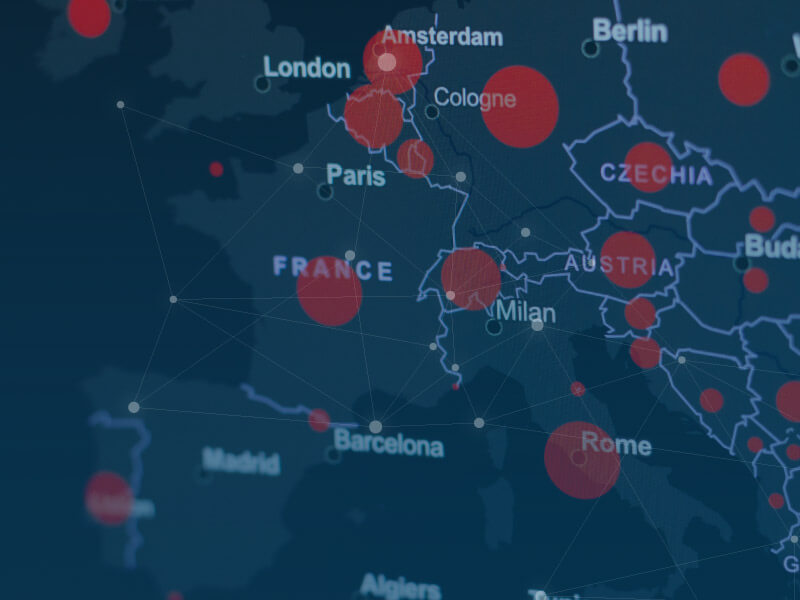
Do you have many field service maintenance employees? Then it is useful to use geographic maps for your asset management. This is very easy in IBM Maximo, simply with Google Maps or Bing Maps. This allows you to quickly take the first step towards a fully-fledged geographic information system (GIS) for managing your assets.
In IBM Maximo, all data about your assets is clearly organized hierarchically, as a basis for your maintenance activities. In an industrial company, for example, you can zoom in detail from a department to a production line, machine and all the components in it. But if your maintenance mainly takes place at different locations ‘in the field’, then it offers advantages to work with geographic maps within IBM Maximo. From pumping stations and junction boxes to traffic signs or parts of a waterway, with a geographic information system or GIS, all these types of assets are displayed as dots on the map.
 With GIS maintenance of assets per region
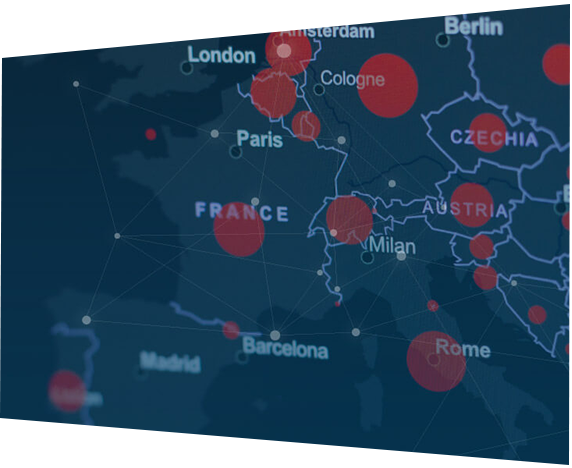
You can use such a GIS in all kinds of ways to manage your assets with IBM Maximo. For example, a work planner can easily coordinate the maintenance work per region and create work orders for the mechanics. A link to the planning in IBM Maximo Scheduler is also possible. And if a malfunction occurs somewhere? Then it is immediately clear which mechanic is working nearby and can therefore be on site quickly to solve the problem.
Work orders with geographic information
A geographic information system is also pleasant to work with for the mechanics. They simply click on the map in their work order to see the address or xy coordinates of the asset’s location. But they can also indicate on that same map where they left off with the maintenance of an asset. For example, when repairing a piece of road surface, mowing a verge or dredging a ditch. This way their colleagues know where to continue. And if your mechanics come across something special during their work, such as broken lighting or flat tires along the road? They can also easily mark that on the map.
Easy activation Bing Maps or Google Maps
Using geographic information within your asset management is easier than you might think. And you don’t have to let the costs stop you either. You simply take out a subscription to Google Maps or Bing Maps and then receive a code with which you activate a link in IBM Maximo. That is all that is needed to visualize the location of your assets via one of the two map services.
Stepping stone to real GIS
Do you want to go a step further? Then expansion with IBM Maximo Spatial is possible. This add-on from IBM Maximo is a fully-fledged GIS, with its own map displays. With IBM Maximo Spatial you have advanced possibilities such as dividing assets such as waterways or highways into pieces, or including Klic reports in your maps. However, via Google Maps or Bing Maps you already make a good first step towards such a real GIS. In an accessible way you already get a taste of a number of advantages.
Look at Mobile
- Mobile


Would you like to discuss your asset management challenges?

Want to know more?
Want to know more about IBM Maximo as GIS? Contact Gerben ter Horst: +31 (0)6 – 14 57 21 19 or g.terhorstn@gemba.nl.